| lpadsjs | ||
| adsnopromo.png | ||
| adspromo.png | ||
| example.json | ||
| LICENSE | ||
| lineads.py | ||
| locadsgetter.py | ||
| locadslib.py | ||
| locadsparser.py | ||
| lpads.png | ||
| README.md | ||
| smartyads.py | ||



lpads
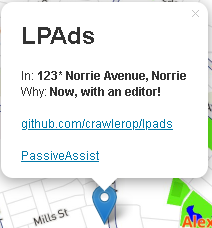
Many tools to work with Google Maps Location Ads (Norries not included.)
Maps PassiveAssist tools were now available. Click here
How it works
In Google Maps, square pins are typically adverts.
Advertisers pay Google to promote these locations.
Without this feature, the project wouldn't exist.
They have 2 types of ads:
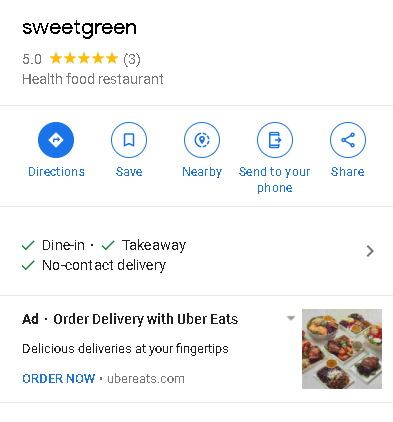
With Promo
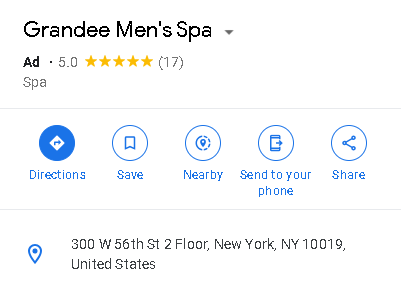
Without Promo
| Purpose | Example Command |
|---|---|
| Parse location ads | python3 locadsparser.py example.json |
| Find ads for location | python3 locadsgetter.py 40.7127837 -74.00594130000002 |
| Find ads for location, outputing to file | python3 locadsgetter.py 53.679895 -1.494309 -outp promos.html |
| Find ads for location, using proxy | python3 locadsgetter.py 40.7127837 -74.00594130000002 -proxy YOUR_PROXY_ADDRESS |
LPAds command-line arguments
Argument | Purpose :-----------------:|:----------------------------------------------------------:s outp | Change output file/folder noadsfail | Fail when no ads found proxy | Enabling use of proxies keepsearch | Don't fail when no ads found (for Smarty Ads and Line Ads)
Browser Support
We also ported LPAds to JavaScript! To include in your site, add in your html file:
<script src="https://raw.githubusercontent.com/Crawlerop/lpads/main/lpadsjs/mapads.js" crossorigin=""></script>
If you want the examples, please click here
We also have included the editor, please click the pencil button to start editing the ads.
Tracking
Locational ads depends on your interests. So ads may very on different account you are using.
You can opt out these ads by visiting adssettings.google.com.